A SANDBOX FOR AI-NATIVE DEVELOPMENT
Use Omarchy, not just try it.
A native macOS manager for running many Omarchy virtual machines side by side. It's a high-fidelity, focused security sandbox for AI-based development, built heavily on the work of the Try Omarchy team.
WHY
A real desktop for your agents, fenced off from your Mac.
A focused sandbox
Give AI agents a full, high-fidelity Linux desktop to work in, away from your Mac. Networking stays behind NAT with one managed SSH port, and shared folders, USB, camera and authentication bridges stay off.
Built on Try Omarchy
Wraps the Try Omarchy team's official kit, pinned to v1.3.0 and built through their own signing and test pipeline rather than reinvented.
Verified, not trusted
Runs the official Try Omarchy v1.3.0 ARM64 edge factory image, checked against pinned SHA-256 checksums, or a custom image you import, checked against its recorded hashes. Anything missing, changed or unexpected fails closed.
One guest per project
Run several Omarchy guests at once, one for each project or each client, each with its own disk, resources and clipboard that only syncs while it's focused. Pause one to set it aside without shutting it down.
Ready in minutes
Save your owner setup once (user, keyboard, timezone, SSH key) and new guests install unattended. Passwords stay in your Mac's Keychain, and a shared, verified download cache makes each new guest quicker.
Scriptable from the start
The
omarchy-vmCLI imports images and creates, starts, pauses, updates and stops guests, replying in concise JSON with a ready-to-use SSH command.
TAKE THE TOUR
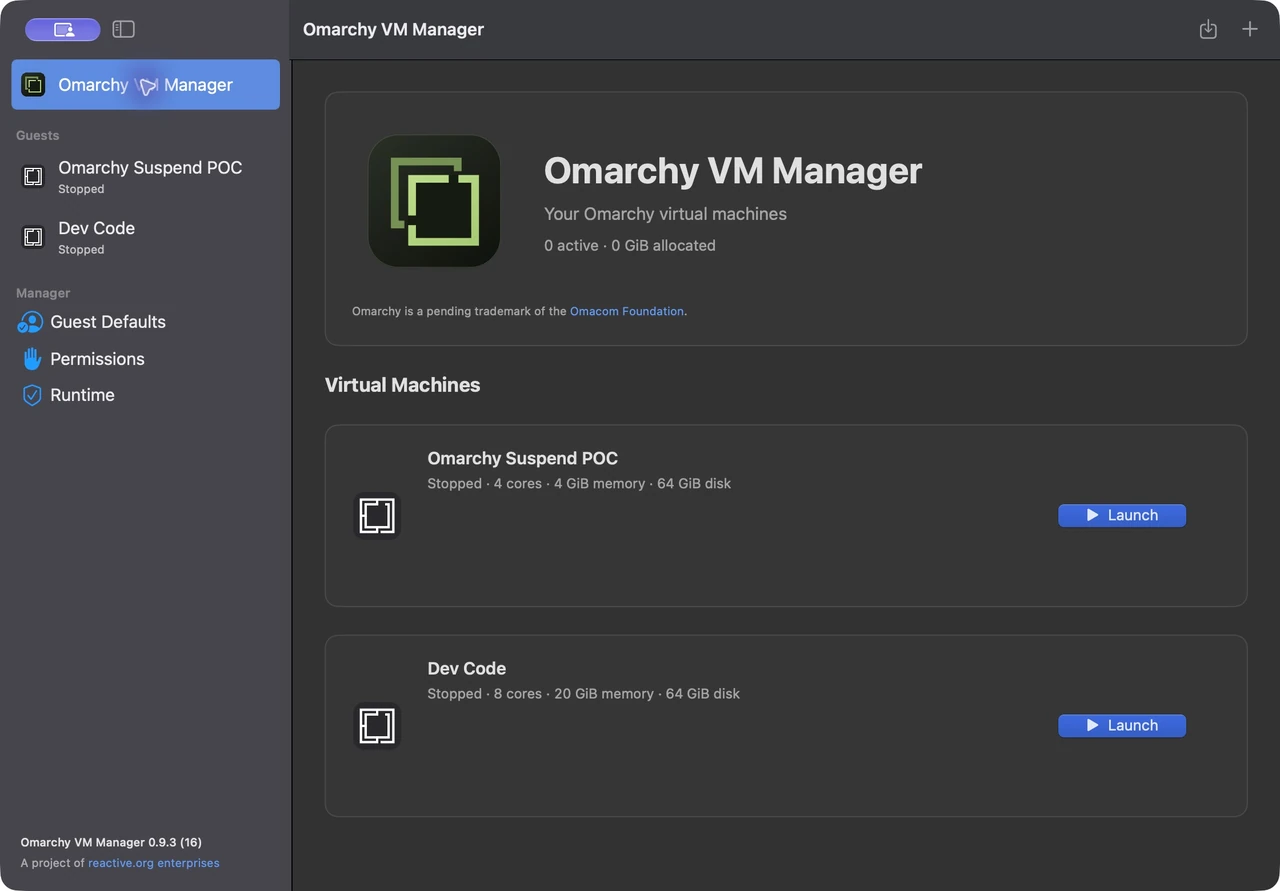
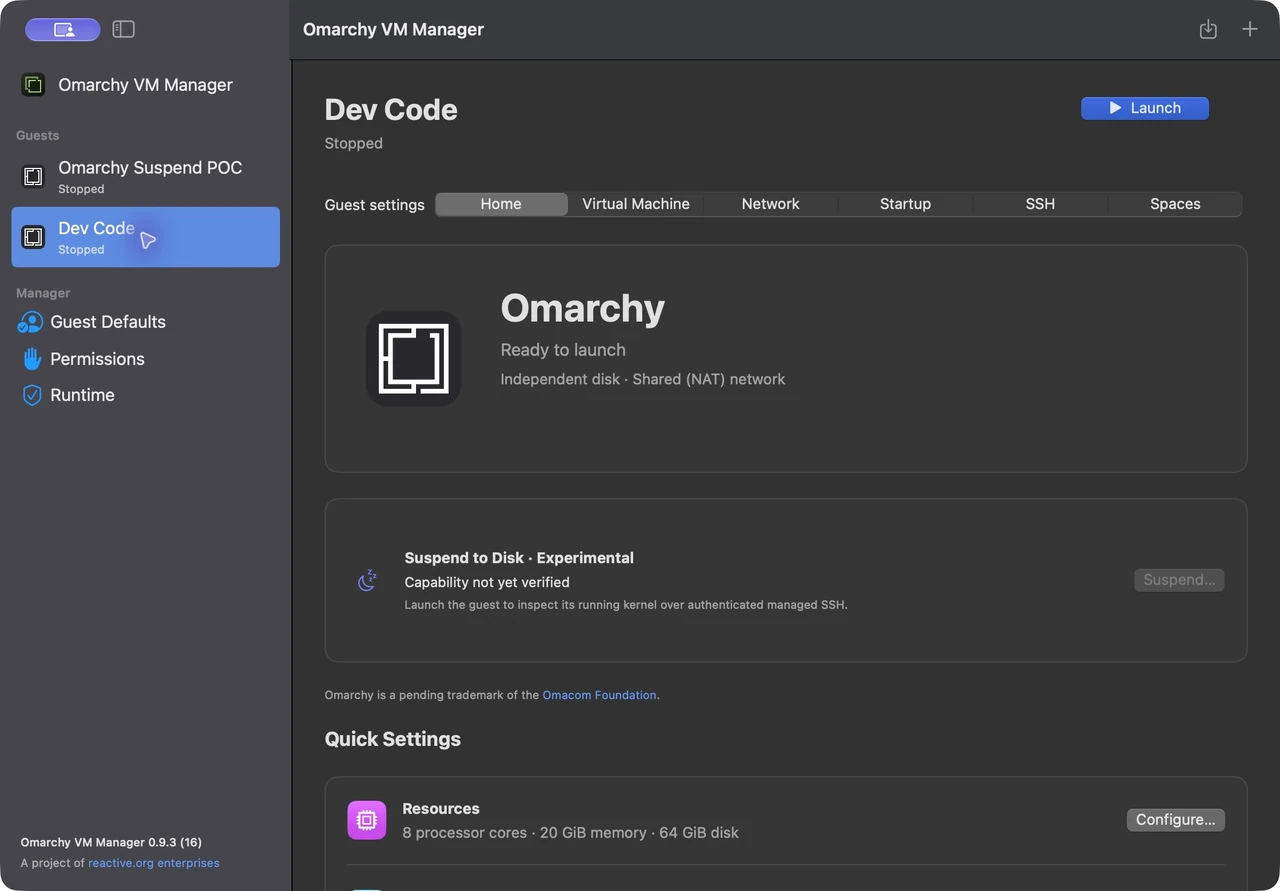
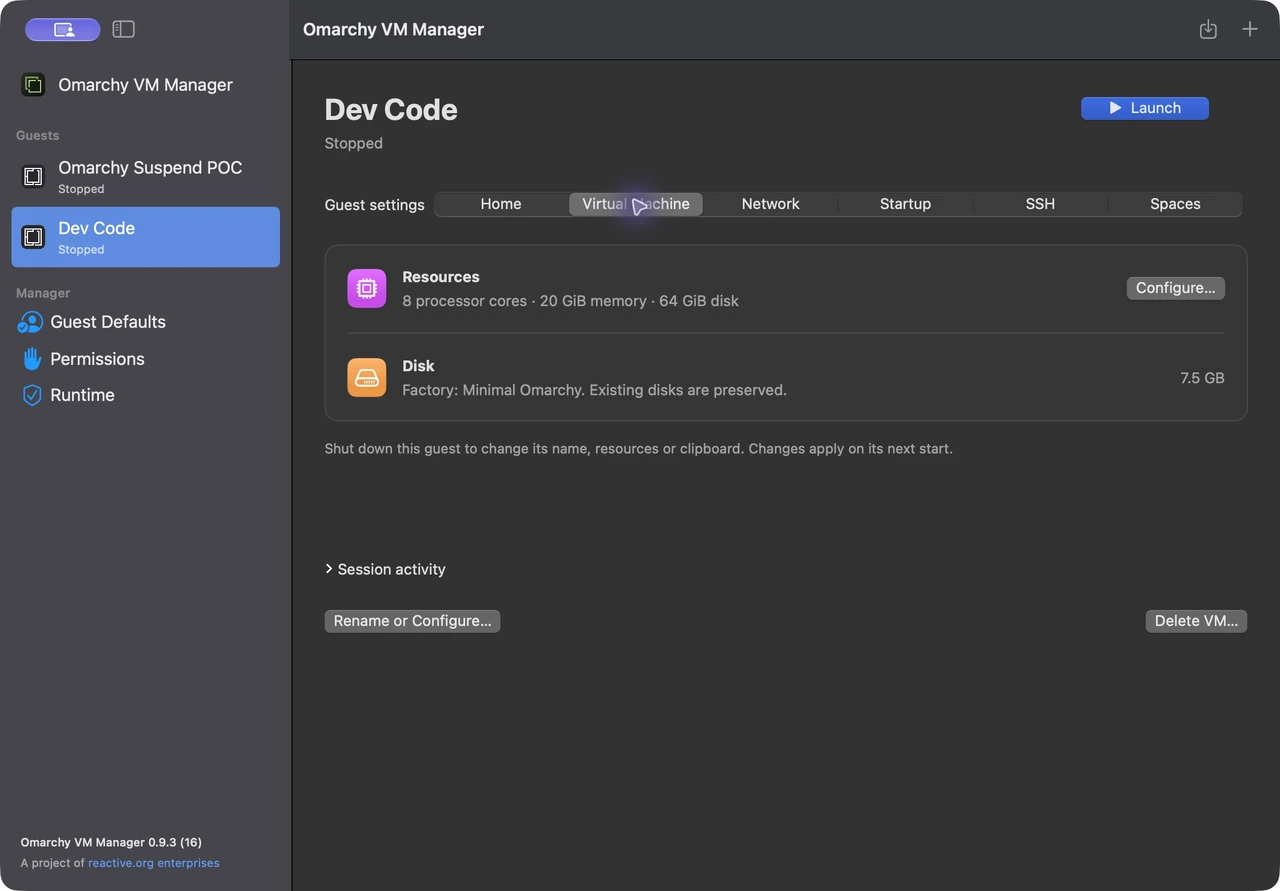
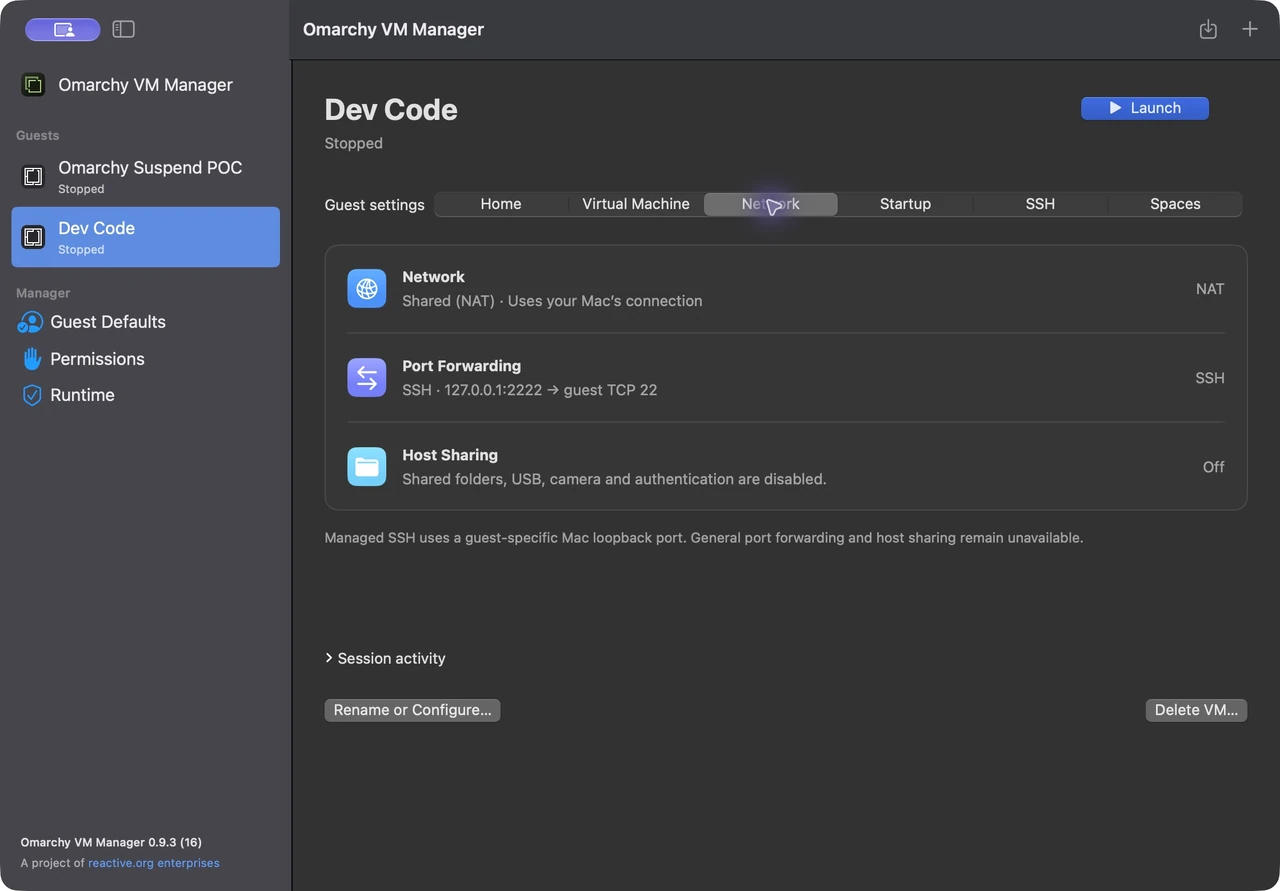
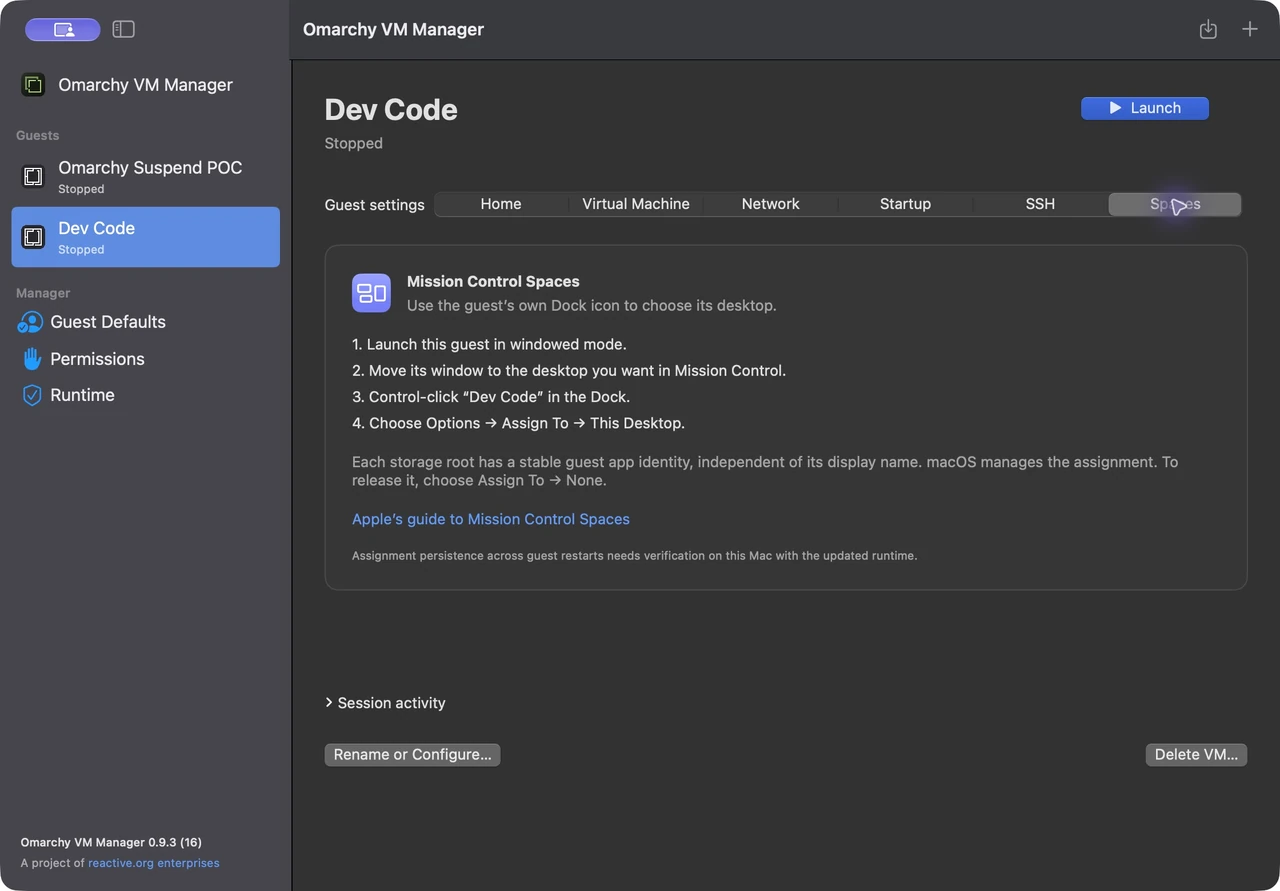
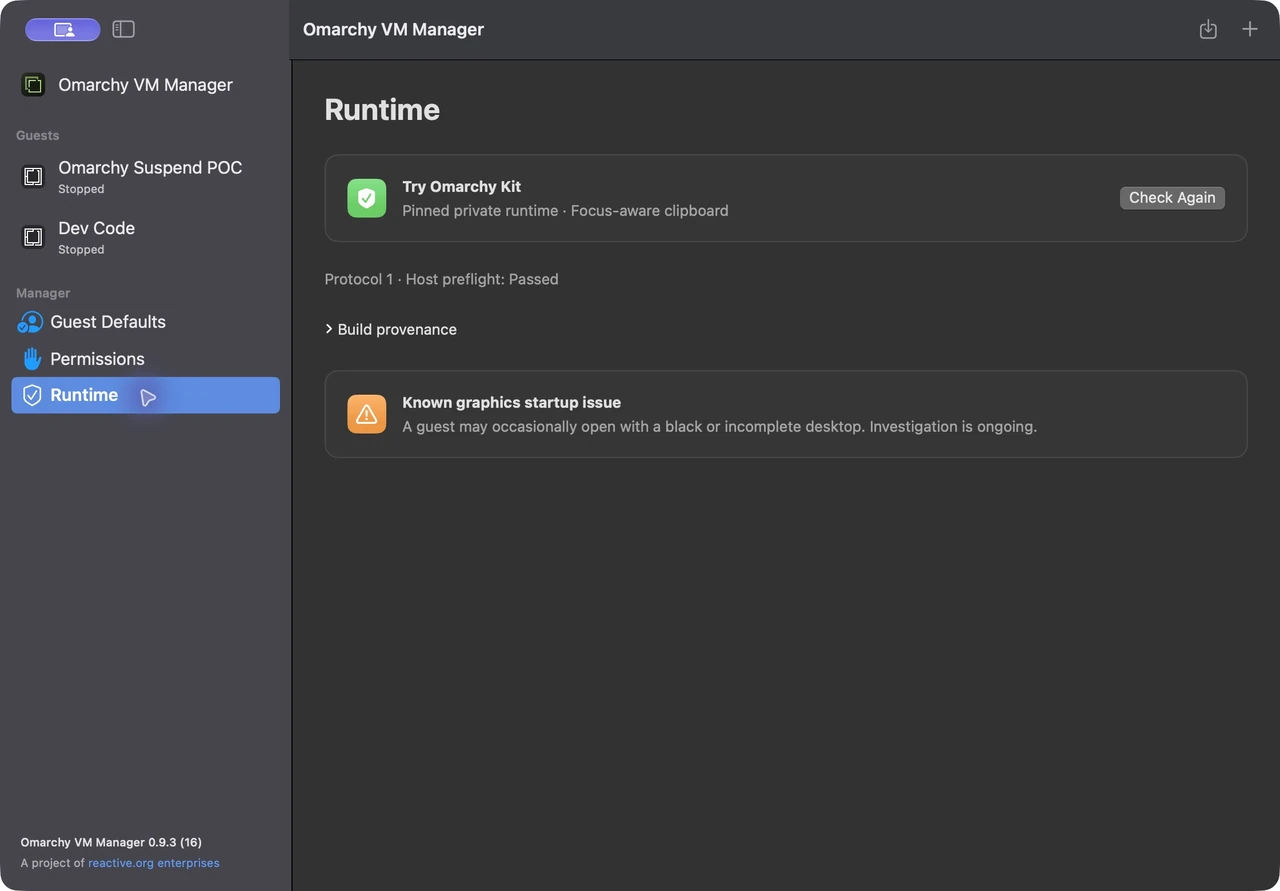
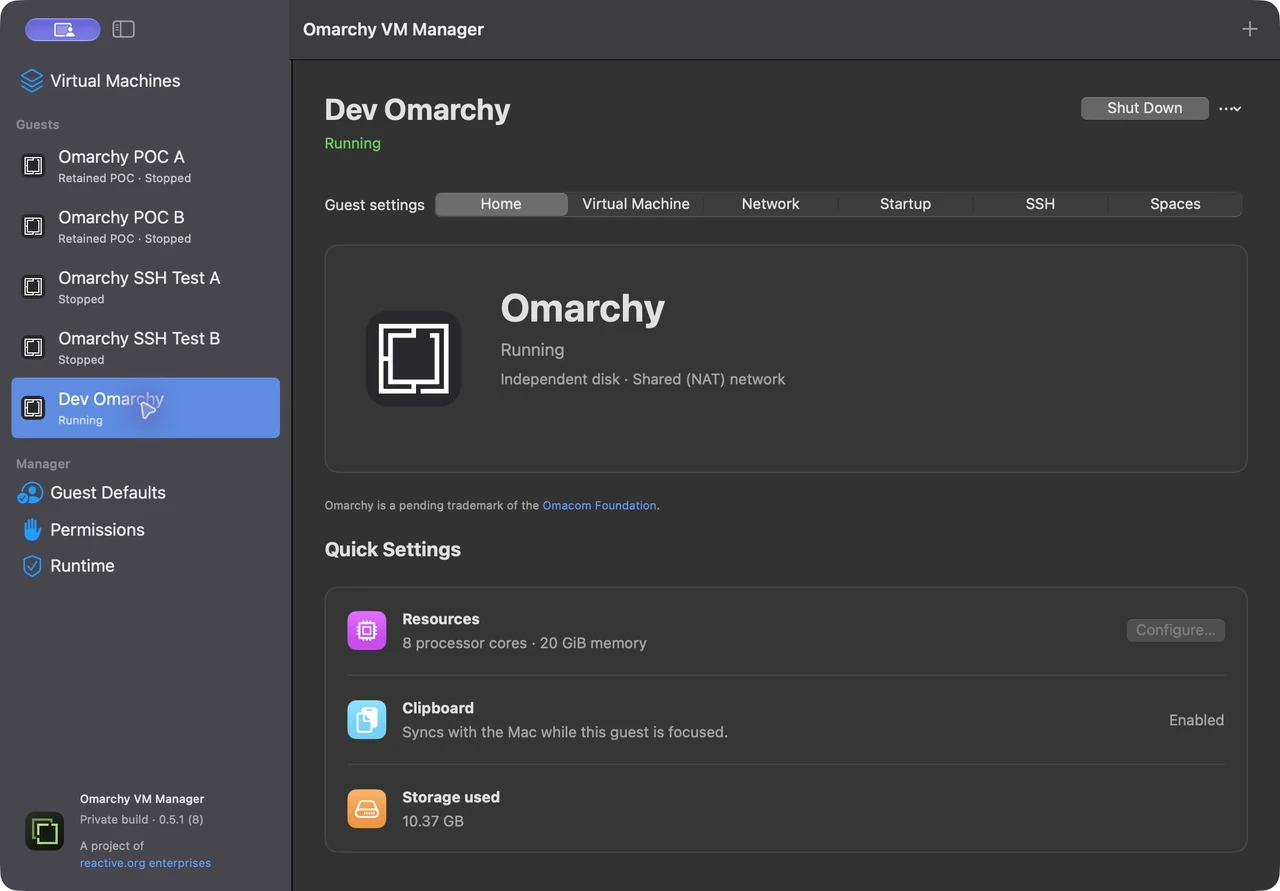
One window for every guest.
A native sidebar lists your guests, and each one has its own Home, Virtual Machine, Network, Startup, SSH and Spaces pages. These are real captures of version 0.9.3.
BRING YOUR OWN IMAGE
Start from the image you want.
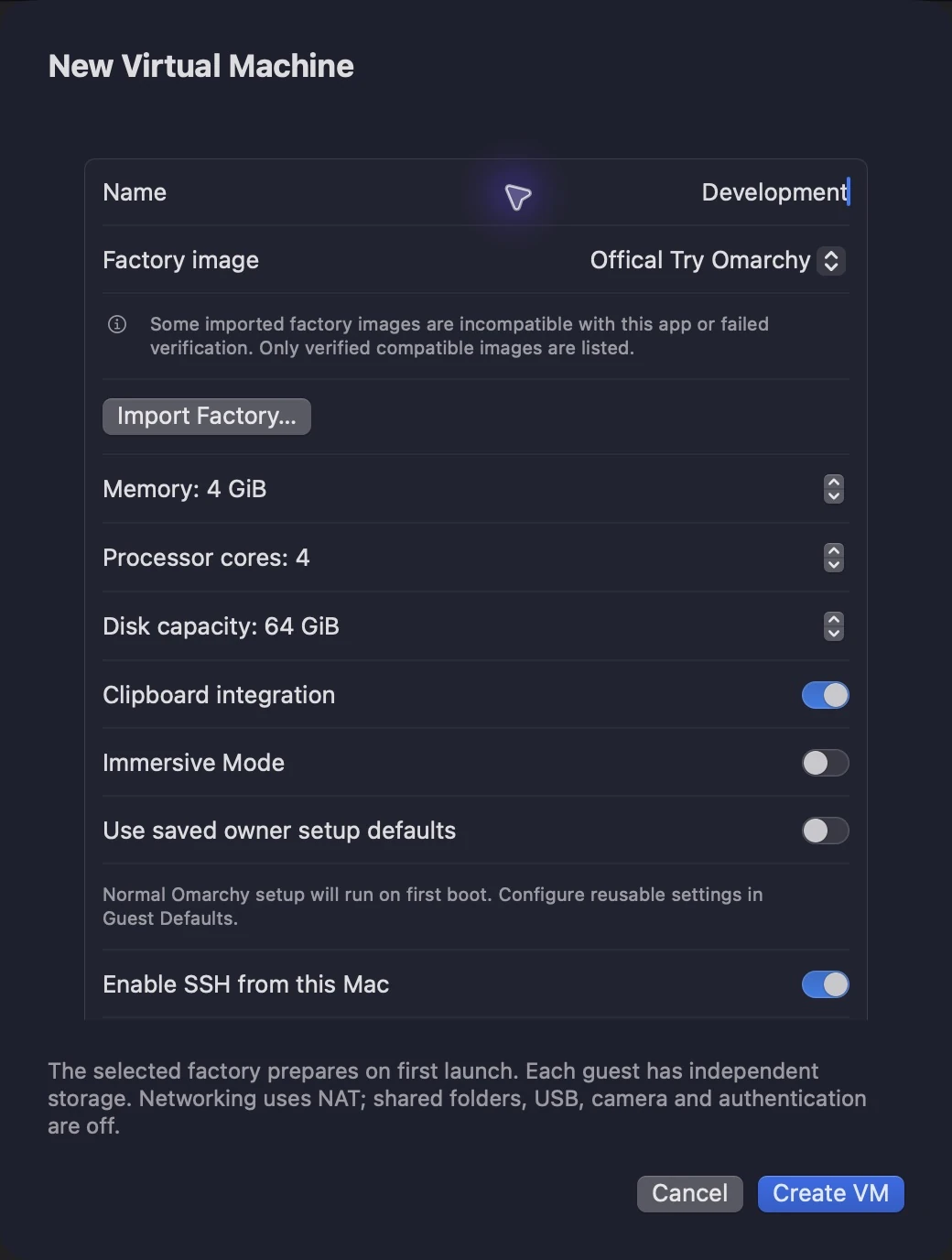
Every guest picks its factory image when it's created: the official one, or a custom image you've prepared.
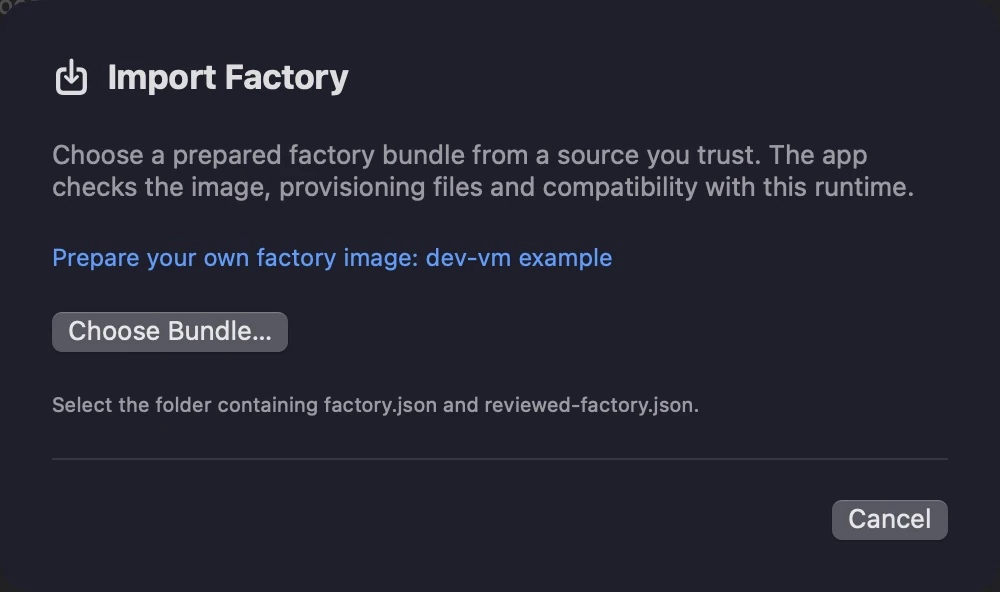
Import once
Choose Import Factory in the app, or
factory-importin the CLI. The manager verifies the bundle and keeps its own copy, ready to select in New VM.Prepared, not patched
A custom image must match the manager's pinned runtime and owner setup. Its choice is fixed when a guest is created and never replaces an existing disk.
Recoverable removal
Deleting an unused image, or a stopped guest, moves it to the macOS Trash. Images still used by a guest can't be removed, and the official image is protected.
BETTER TOGETHER
Make every guest yours with dev-vm.
Pair it with dev-vm for a declarative, fully configured developer environment. dev-vm can build a lean coding image and import it for you, asks the manager to create and start a named guest, then adds your tools, theme and layout and checks the result, so every guest comes up just the way you like it.
THE CLI
Guests on demand, from Claude or the terminal.
The omarchy-vm CLI drives the same manager as the app, opening it in the background when needed, and replies in concise JSON that Claude Code reads easily. Open Claude in your checkout and ask, or add the repository's bin folder to your PATH and run the commands yourself.
Create a guest from the official image and wait until you can SSH in.
Create a guest called "dev" from the official image with 4 CPUs, 4 GiB of memory and a 64 GiB disk. Tell me when SSH is ready.omarchy-vm create dev --factory official \--memory 4GiB --cpus 4 --disk 64GiB \--start --wait ssh --timeout 1800Connect with the managed key and pinned host identity.
Give me the command to SSH into "dev".eval "$(omarchy-vm get dev | jq -r .guest.ssh.command)"See what you have running.
Which of my guests are running?omarchy-vm listSet a guest aside without shutting it down, then pick up where you left off.
Pause "dev" until I need it again.omarchy-vm pause devomarchy-vm resume devGive a guest more room. Changes need it stopped, and disks only grow.
Give "dev" 6 CPUs, 5 GiB of memory and a 128 GiB disk.omarchy-vm stop dev --waitomarchy-vm update dev --memory 5GiB --cpus 6 --disk 128GiBomarchy-vm start dev --wait sshImport a custom image, then create guests from it by its manifest SHA-256.
Import the factory at ~/Prepared.factory and create "custom-dev" from it.omarchy-vm factory-import /absolute/path/Prepared.factoryomarchy-vm factoriesomarchy-vm create custom-dev --factory MANIFEST_SHA256 \--memory 4GiB --cpus 4 --disk 64GiBomarchy-vm start custom-dev --wait sshFinished with a guest? It goes to the macOS Trash, not oblivion.
Stop "dev" and move it to the Trash.omarchy-vm stop dev --waitomarchy-vm delete dev
Every command and flag is in the CLI reference.
GET STARTED
Build it on your Mac.
On Apple silicon with macOS 15+, Swift 6 and Python 3.10+. Docker is needed for the guest package build.
Get the project and its pinned Try Omarchy kit.
git clone https://github.com/reactive-org/omarchy-vm-manager.gitcd omarchy-vm-managergit submodule update --initFetch and verify the kit, then build, test and check the app.
make fetch-kit patched-kit testmake app verify-appOpen it, choose New VM, and launch.
make run
Pre-release. Omarchy VM Manager is currently a private debug build: build it from source, and expect the rough edges noted in the repository. A signed, notarized release is the intended way to ship it. The illustrated user guide walks through the app and CLI.
Built on Try Omarchy. Omarchy is a pending trademark of the Omacom Foundation.